AurumPCB
1-8S Battery level indicator/BB Low voltage/Alarm XB100 Electric display/Dual Function Buzzer
1-8S Battery level indicator/BB Low voltage/Alarm XB100 Electric display/Dual Function Buzzer
Couldn't load pickup availability
XB100 1–8S Lithium Battery Voltage Checker and Low-Voltage Alarm
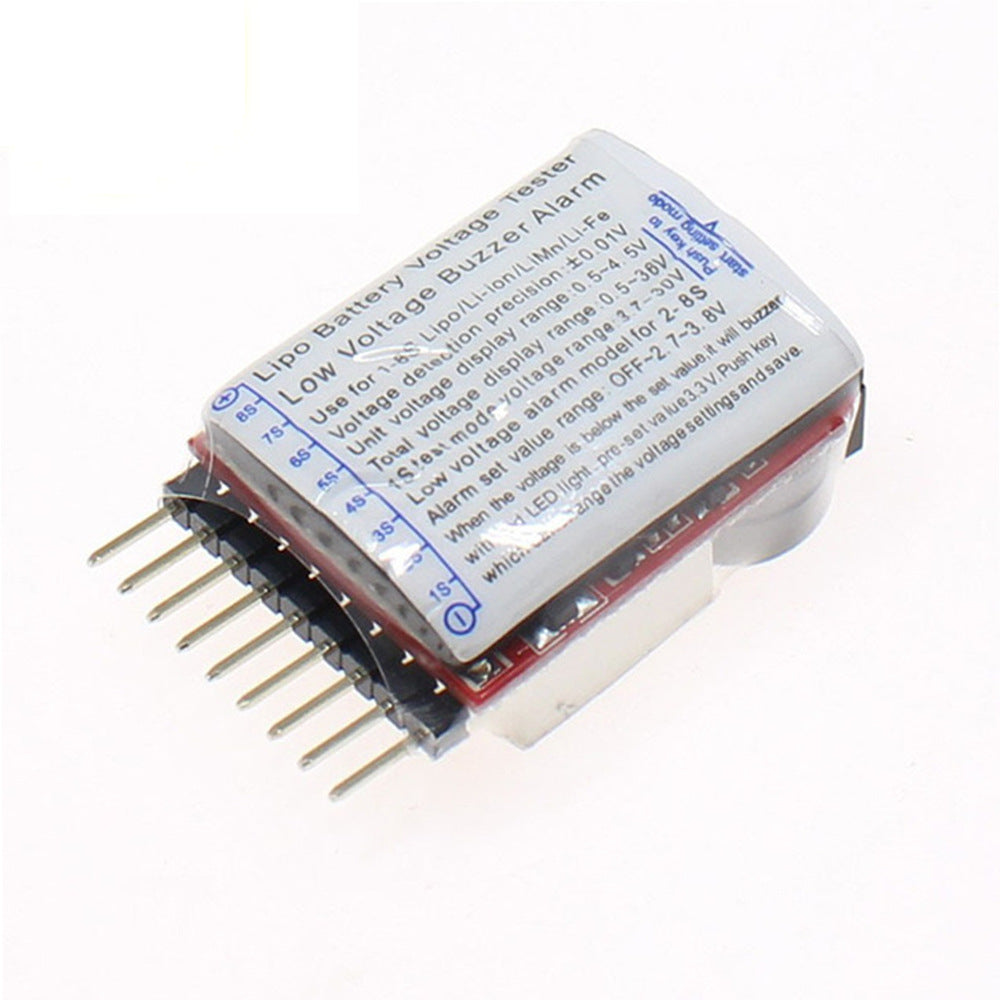
View individual cell and total pack voltage on the XB100 lithium battery checker. Its adjustable buzzer alarm operates with 2–8S packs and activates a flashing LED when a cell falls below the selected threshold.
Features and use
- The display checks individual cell voltage as well as total pack voltage.
- The buzzer threshold can be changed with the onboard button.
- A flashing red LED accompanies the low-voltage alarm.
Product details
| Voltage detection accuracy: | ± 0.01 V |
|---|---|
| Cell voltage display range: | 0.5 V~4.5 V |
| Total voltage display range: | 0.5 V~36 V |
| 1S test mode voltage range: | 3.7 V~30 V |
| Low voltage buzzer alarm mode: | 2S - 8S |
| Alarm voltage setting range: | OFF~2.7~3.8 V |
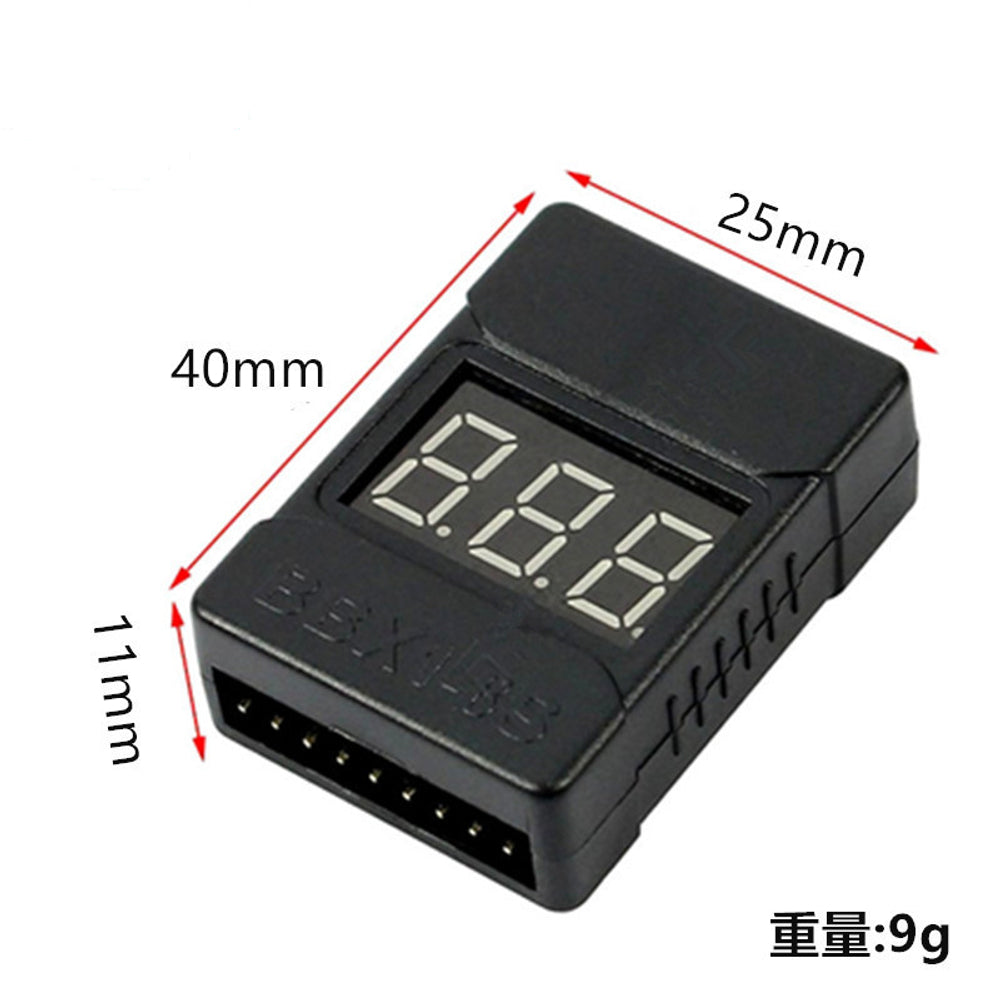
| Product dimensions: | 40 mm x 25 mm x 11 mm |
| Product weight: | 9g |

Product overview
This voltage display is used for 1S~8S lithium battery detection, automatically detecting the voltage of each cell and the total voltage of the lithium battery. It supports reverse-polarity protection.
It allows you to understand your battery's working status anytime, anywhere, preventing damage caused by over-discharge or over-charge.
Whether in flight or idle state, the voltage display can be plugged into the battery balance charging connector to check the battery level.
Especially if you don't have a multimeter
When the voltage is lower than the set value, the buzzer will sound and the red LED light will flash; the factory default setting is 3.3 V. Pressing the button can change the voltage setting, and it automatically saves the user's current setting.
How to use
Place the voltage indicator with its front side (the digital display side) facing up and the pins pointing towards you. Insert the white balance charging plug of the battery along the left-side pins of the voltage indicator. The voltage indicator will immediately beep twice, and changing numbers will be displayed on the screen. If there is no response, simply insert the balance charging plug in reverse. There is a small button at the other end of the voltage indicator, used to set the alarm voltage.